Select Solicitation Documents
This how-to guide explains how to select solicitation documents in the Online Submissions stage of a project.
These documents define what information suppliers must provide and ensure all vendors respond to the same requirements before evaluation.
You should select solicitation documents when you need to:
- Define the information that suppliers must provide.
- Include project-specific documents that suppliers must complete.
- Finalize the solicitation package before publishing the project.
To Select Solicitation Documents
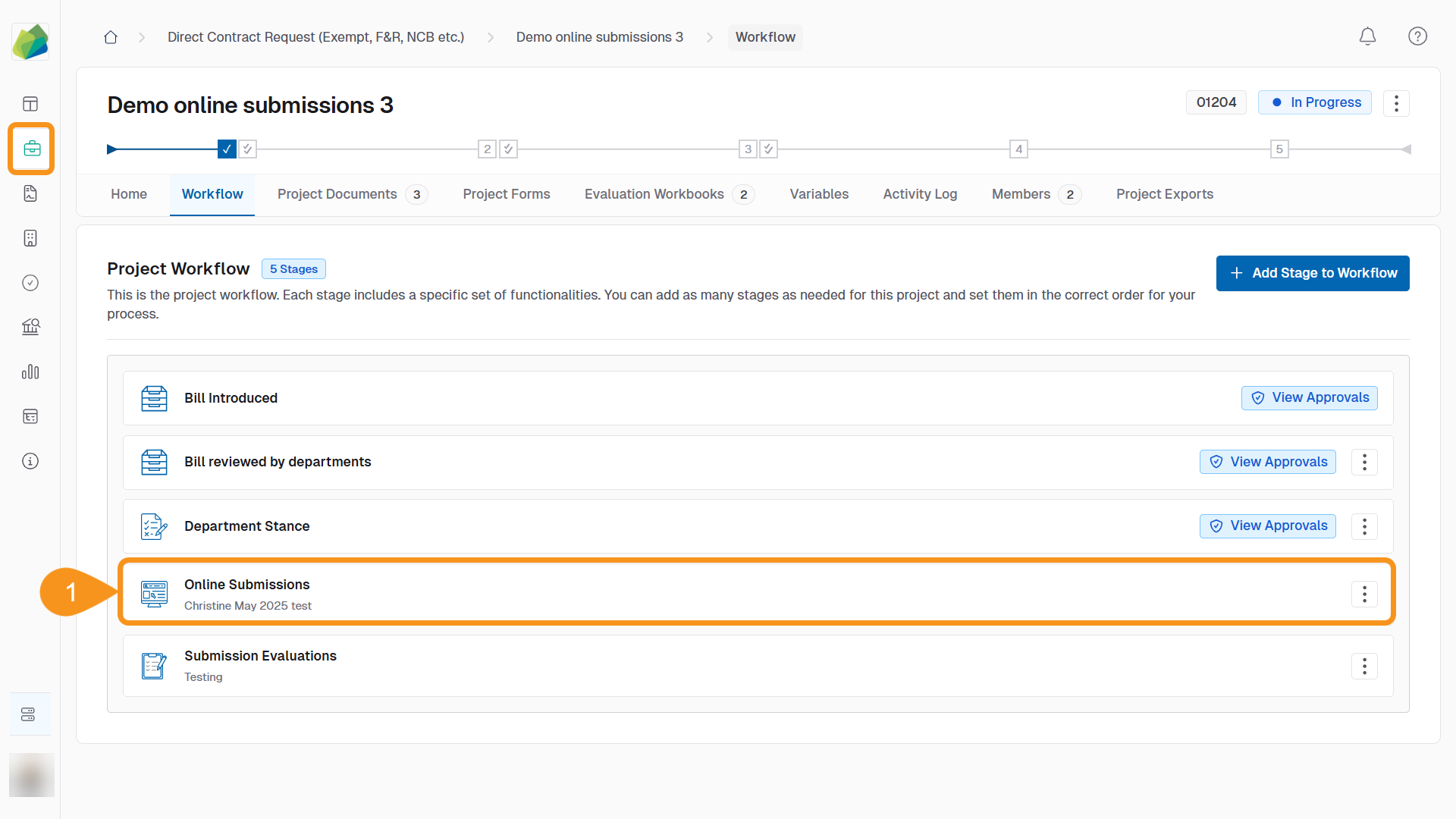
- Go to the Online Submissions stage of your project.
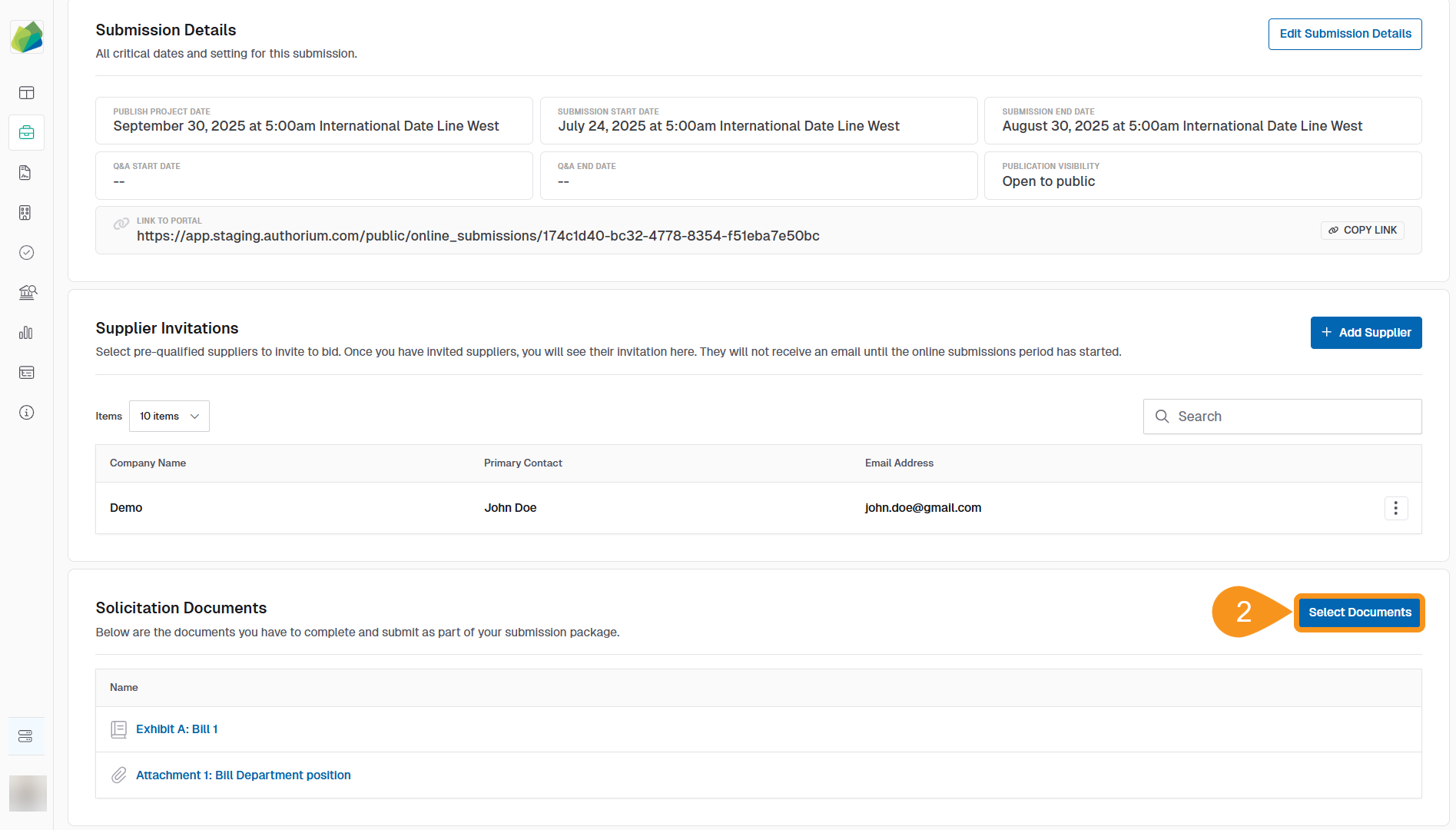
- Click Select Documents.
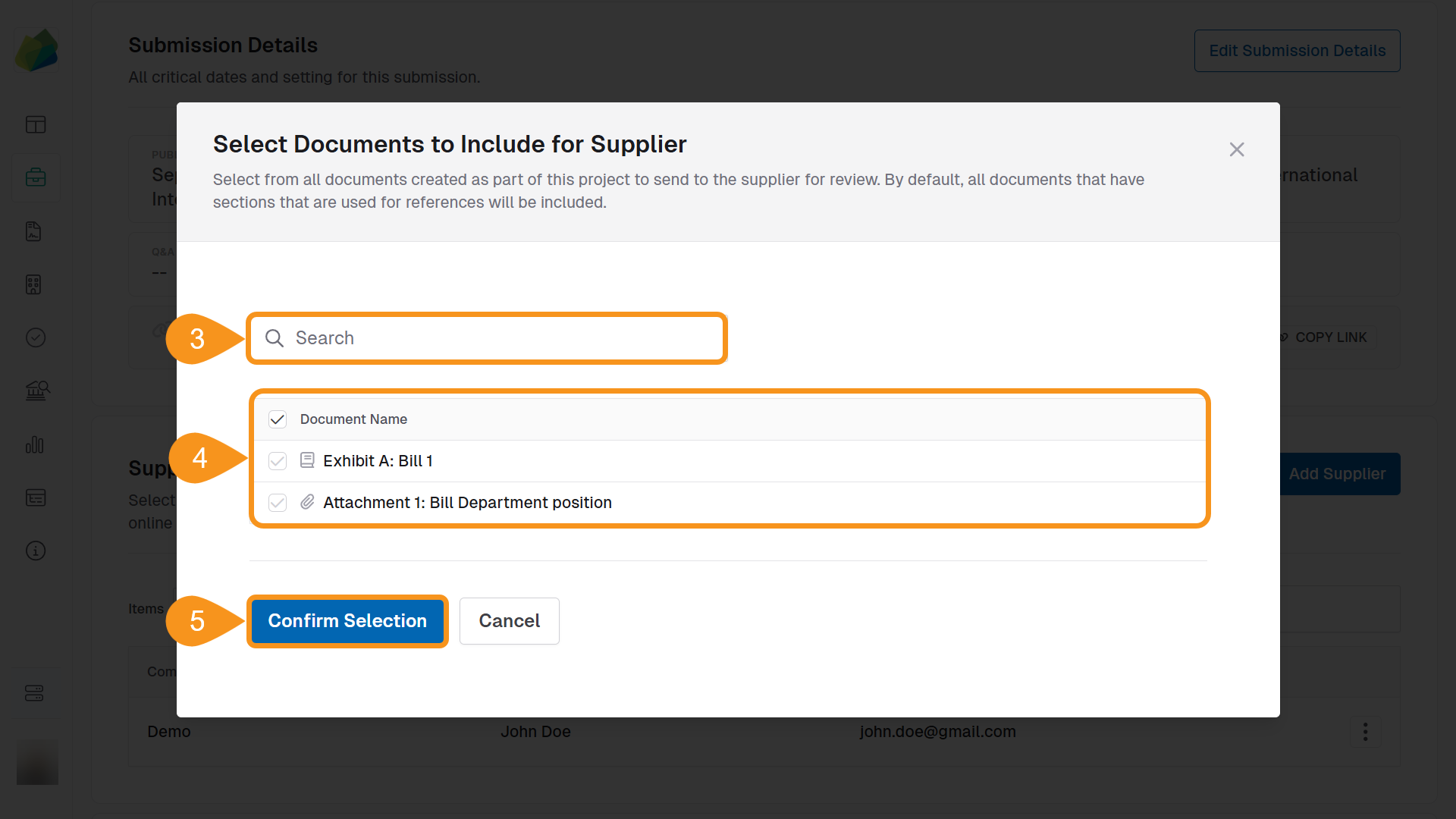
- Use the search bar to locate the documents within the project.
- Select the documents that suppliers must complete during submission.
- Click Confirm Selection to finalize your choices.
See Also
To complement your knowledge of this process, check the following pages: