Invite New Suppliers to the Submission Process
This how-to guide explains how to invite new suppliers—those not yet in your repository—to participate in a solicitation through the Online Submissions stage.
New suppliers are added by entering their company details and contact information. Once added, they receive an email with setup instructions and can participate in specific opportunities.
When to Invite New Suppliers
You should invite new suppliers when you need to:
- Add vendors who are not yet part of your supplier repository.
- Allow new suppliers to register and participate in a specific solicitation.
- Broaden your vendor pool for greater competition and transparency.
To Invite New Suppliers
- Go to the project’s Online Submissions stage.
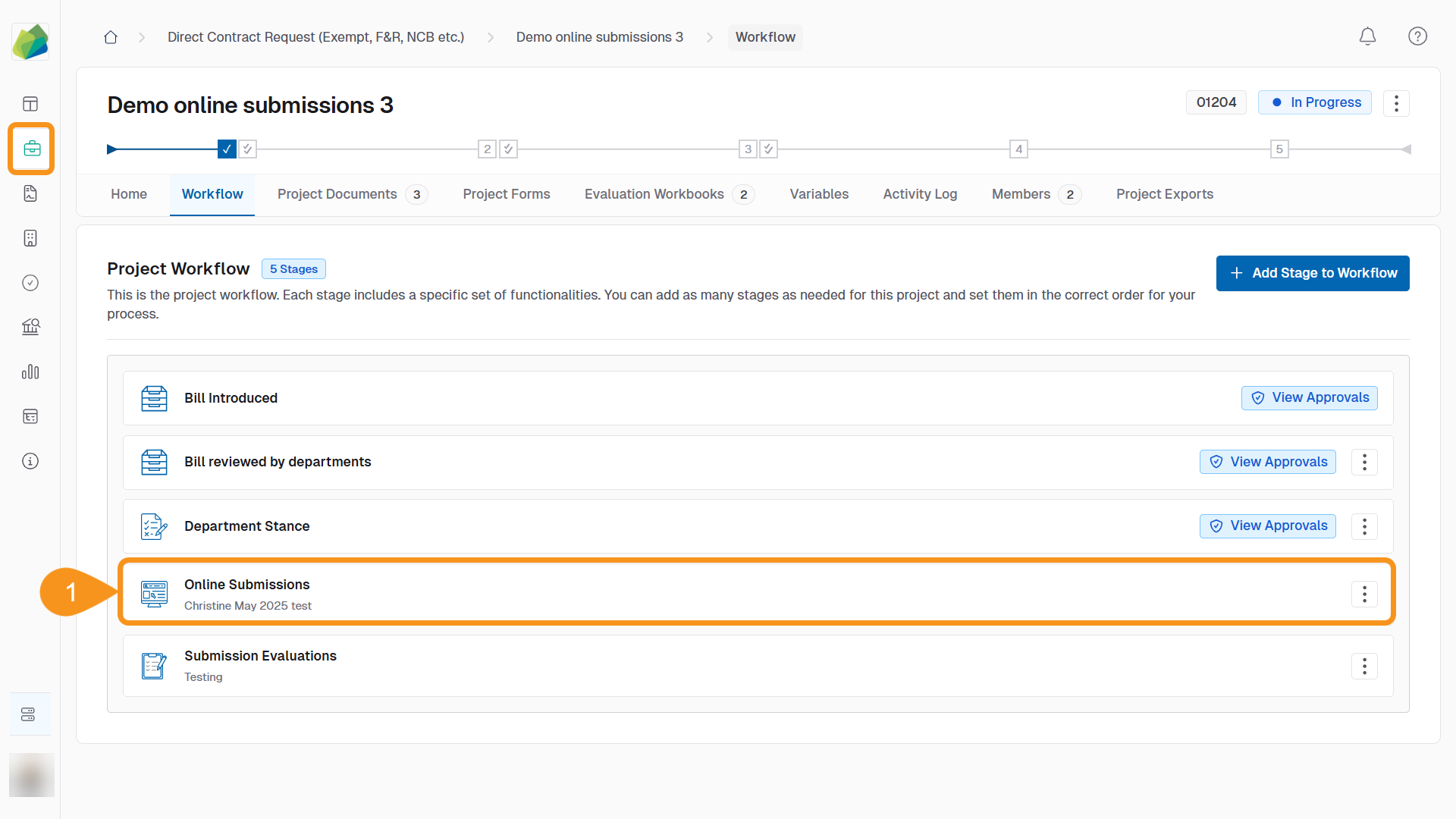
- In the Supplier Invitations section, click Add Supplier.
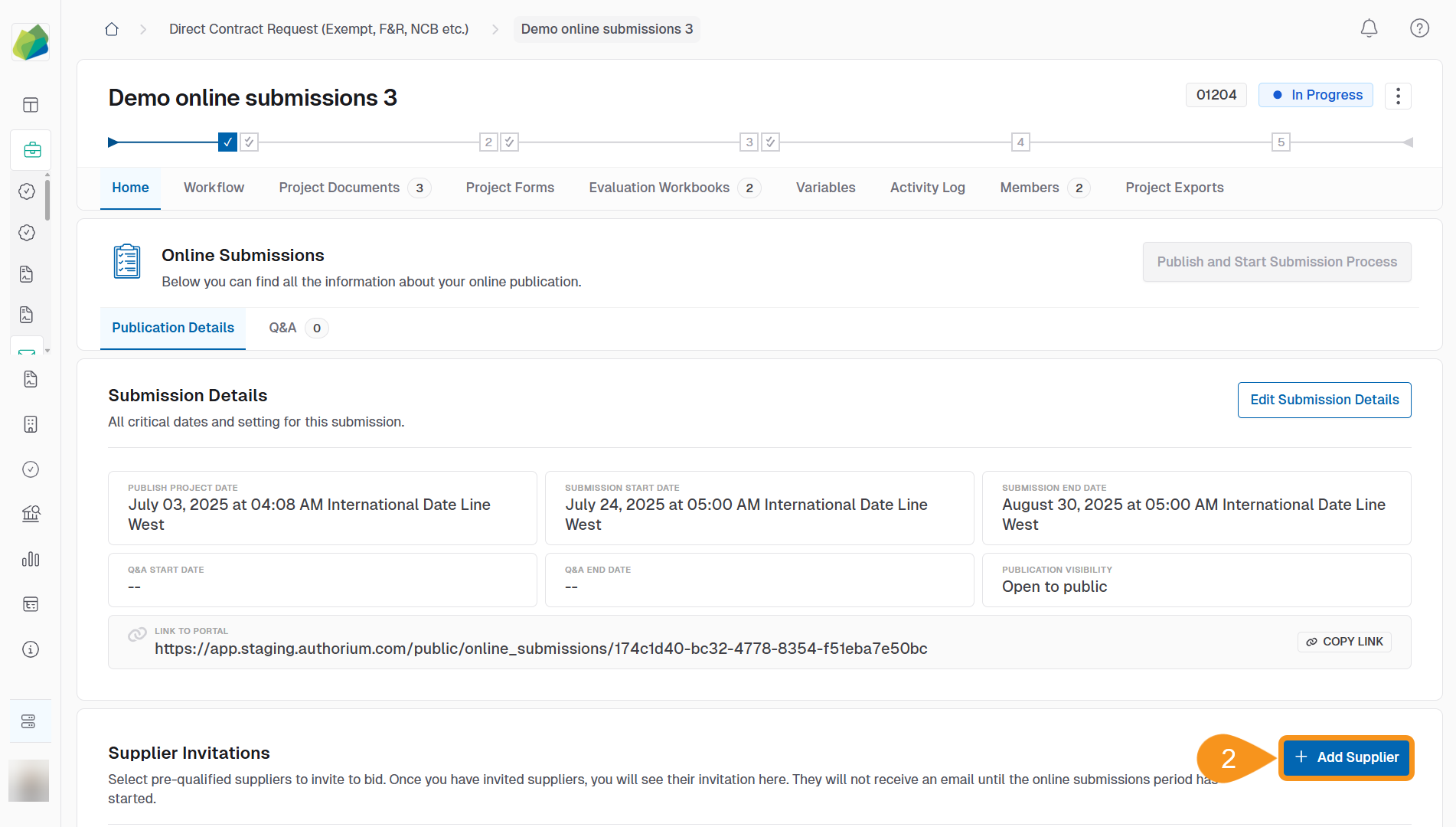
- Select Add New Supplier.
- Enter the Company Name.
- Enter the Primary Contact.
- Enter the Email Address.
- Click Add Supplier.

A confirmation message appears: “Supplier added successfully.”
See Also
To complement your knowledge of this process, check the following pages: