Add a Contract Distribution & Execution Stage to a Project Template
The Contract Distribution & Execution (CD&E) stage enables your team to manage contract documents, route them for approval, and send them for digital signature directly within Authorium.
When to Add a CD&E Stage
You should add a CD&E stage when:
- Your project requires contract approval and execution workflows.
- You want to issue, sign, and archive contracts in a structured process.
- You need documents to be routed through digital signature services like Authorium Sign, DocuSign, or Adobe Sign.
What You Can Do in a CD&E Stage
Once added, a CD&E stage allows your team to:
- Upload or select project documents to include in the contract package.
- Add, remove, or reorder documents in the contract.
- Add participants and assign signature blocks.
- Automatically notify approvers by email.
- View supplier-provided document updates.
- Use the built-in approval and signature view with:
- Signature block navigation
- Table of contents
- Signature modal
- Mark the contract stage as complete and archive it in the Contract Repository.
To Add a CD&E Stage to a Project Template
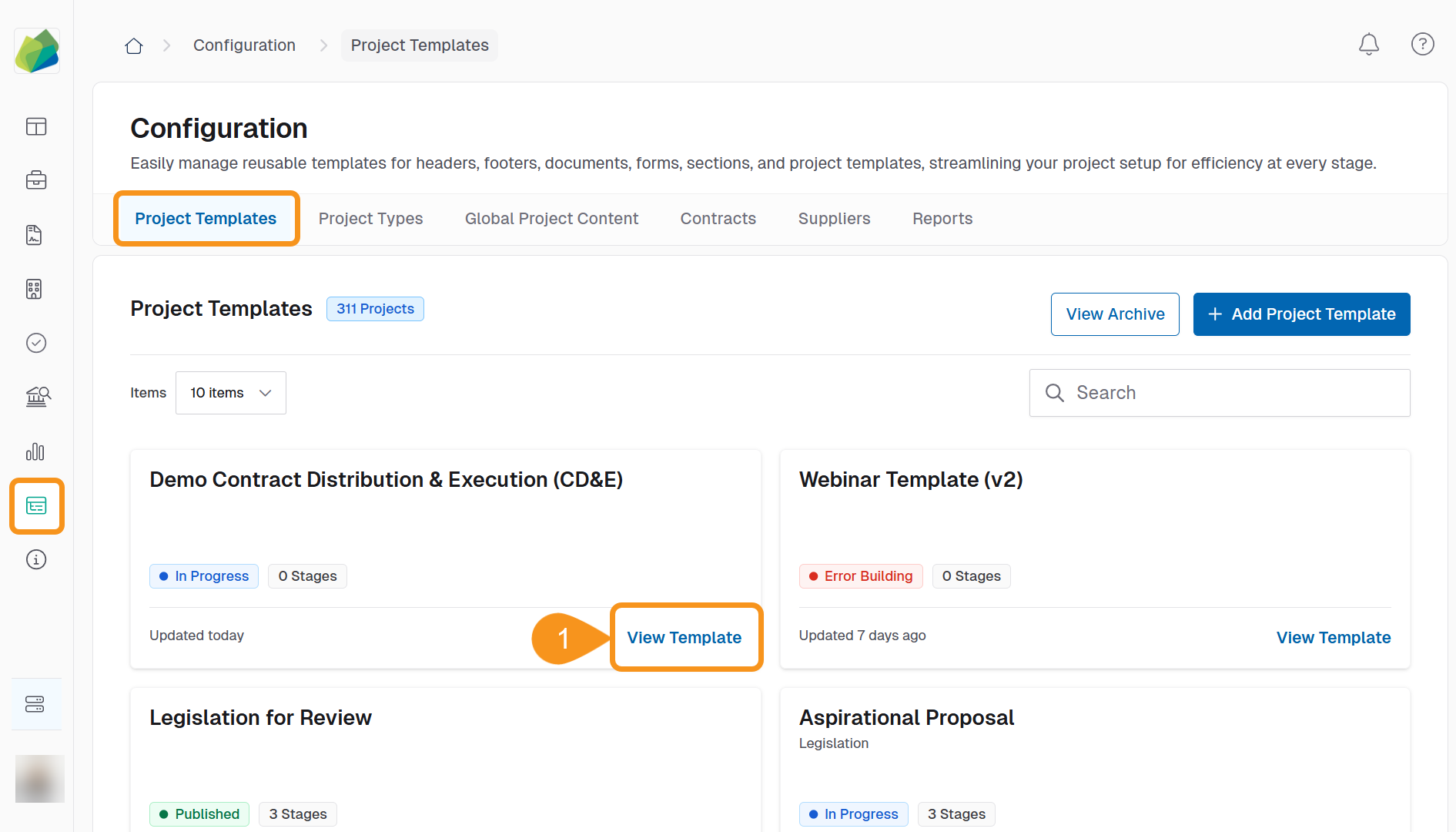
- From the Configuration screen, click View Project to open the relevant Project Template.
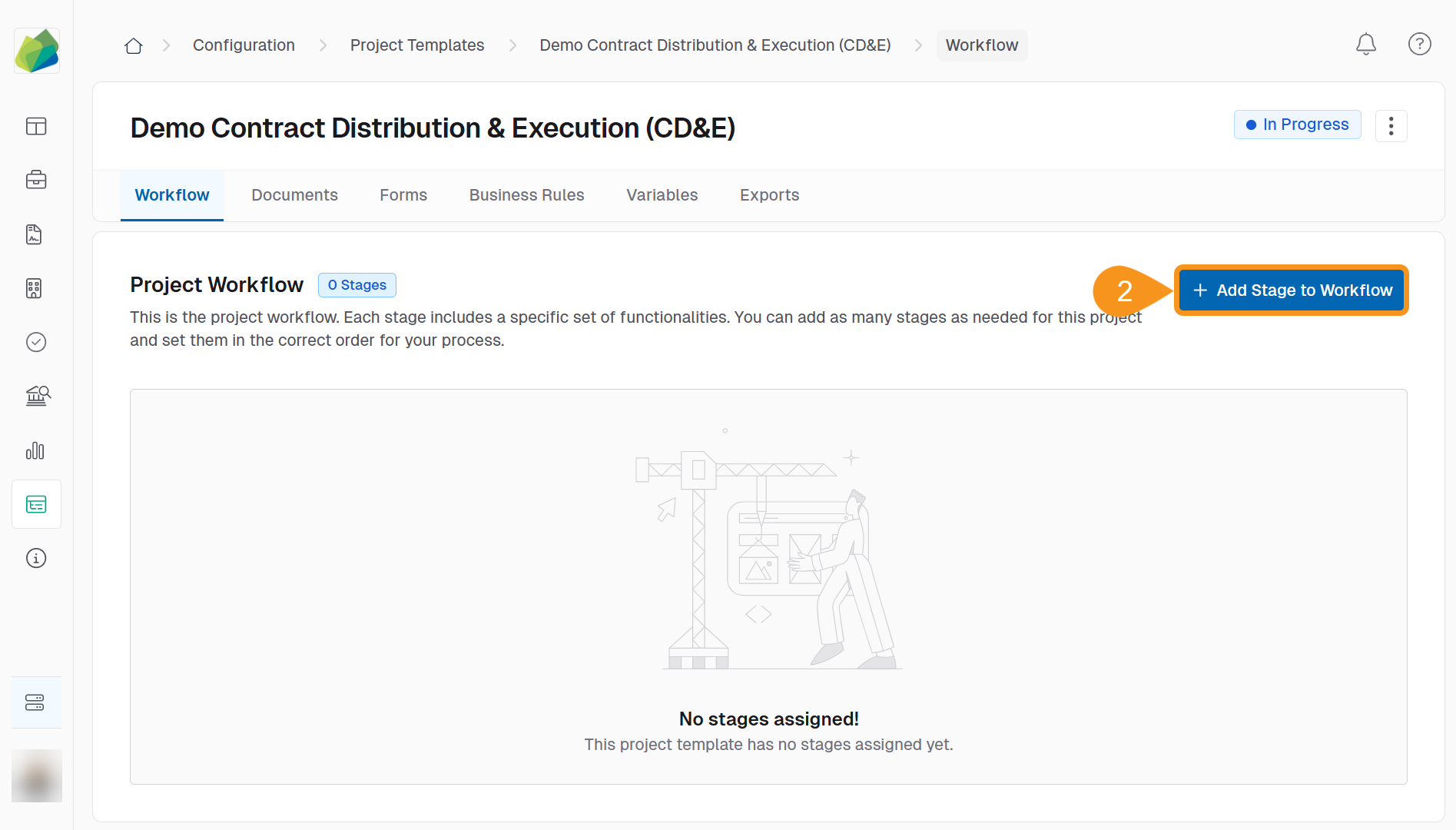
- Click Add Stage to Workflow.
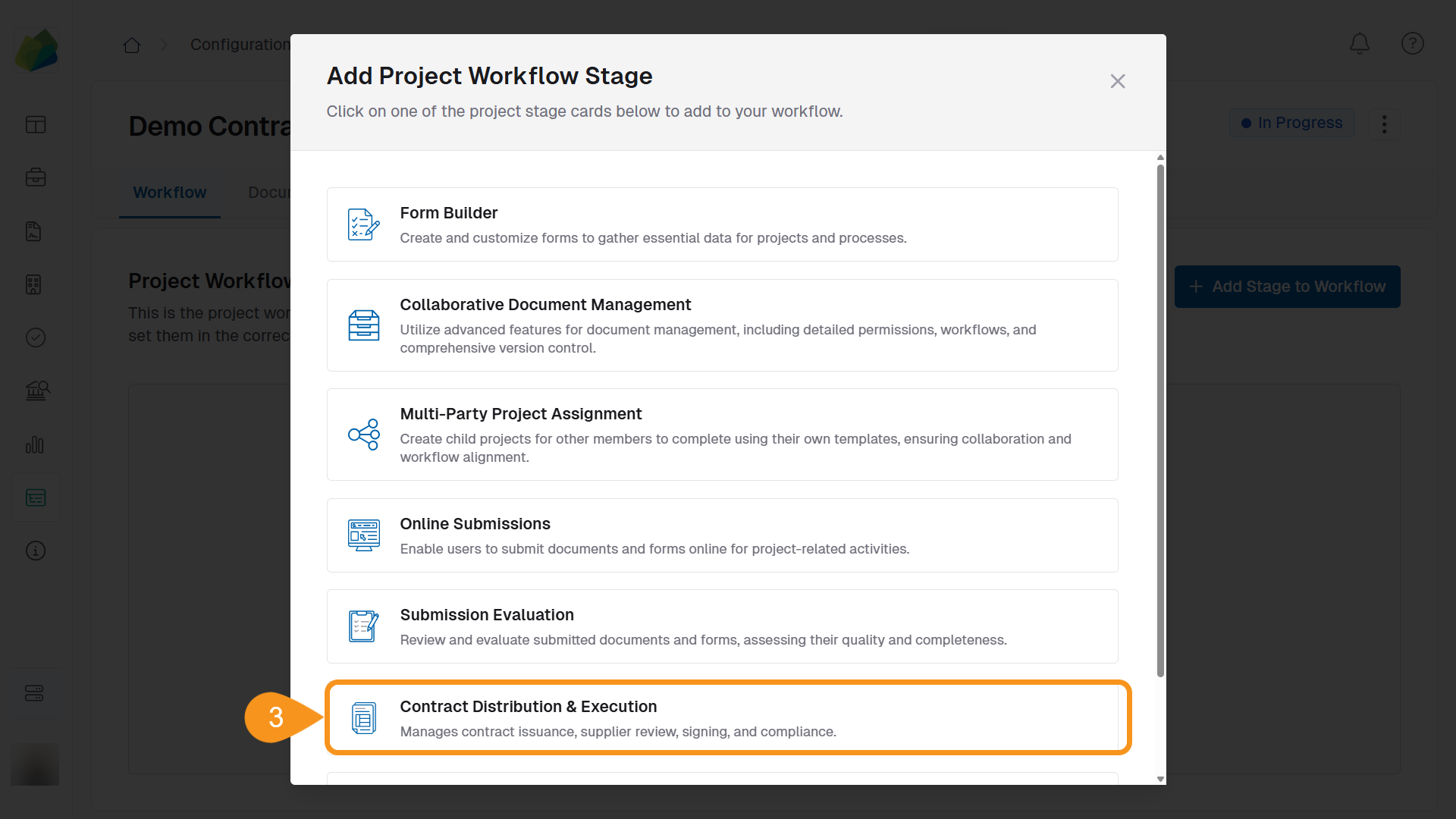
- Select Contract Distribution & Execution from the available options.
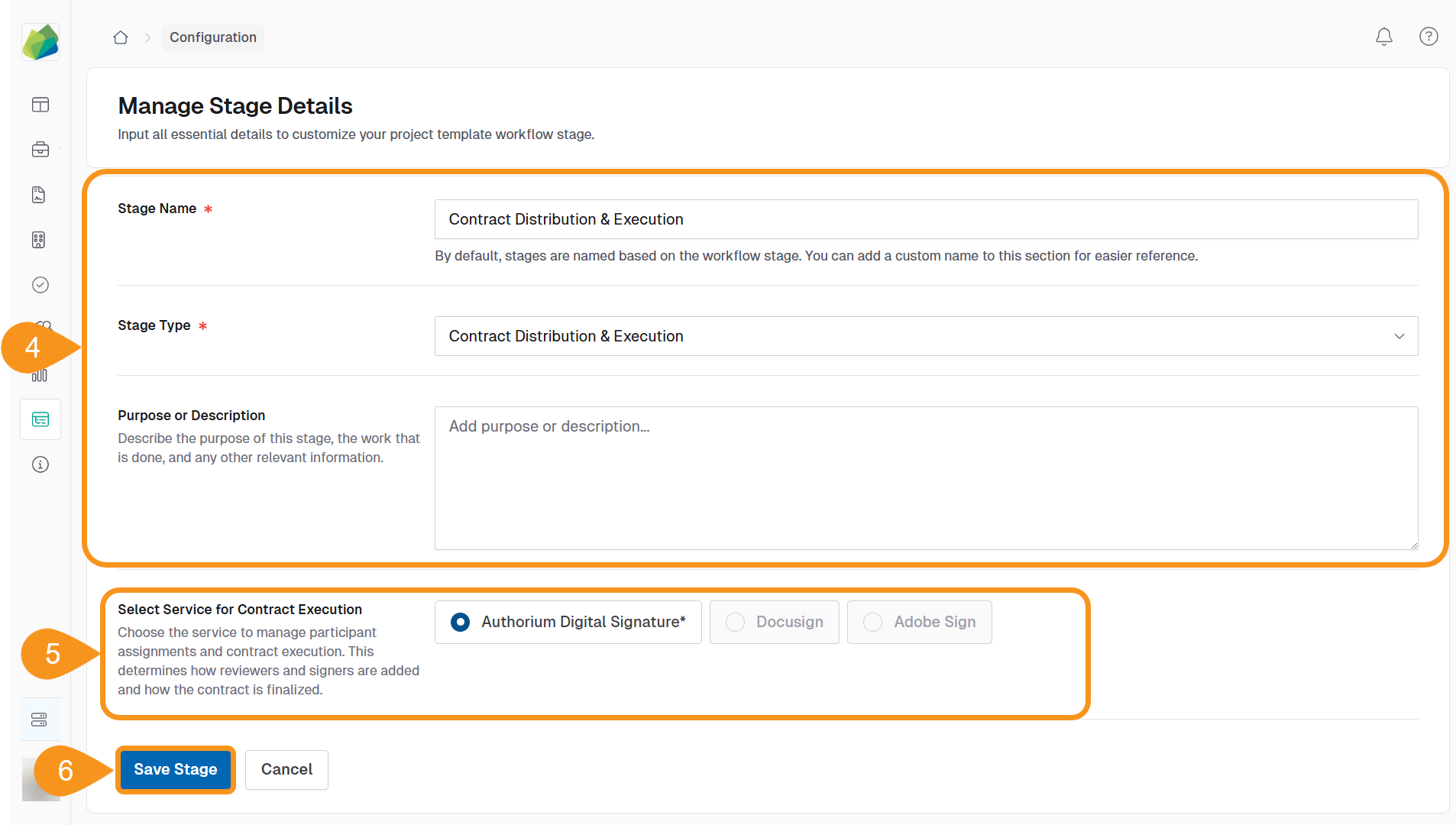
- Enter a Stage Name and optional Description.
- Under Service for Contract Execution, choose one:
- Authorium Digital Signature
- DocuSign
- Adobe Sign
- Click Save Stage to confirm and add it to the workflow.
Why Choose a Signature Service?
The selected digital signature service controls how participants are assigned and how signing and approvals are completed during the contract process.
See Also
To complement your knowledge of this process, check the following pages: